Nobody Checks Whether the SEO Fix Worked. Now My Plugin Does.
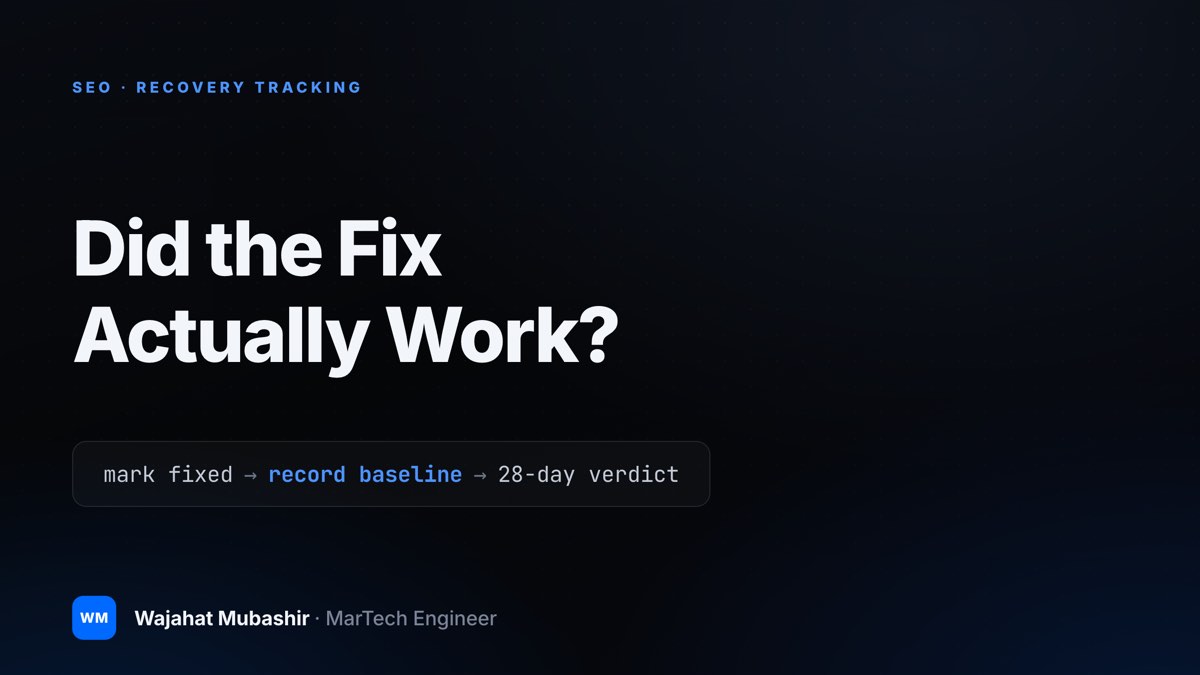
Finding a decaying page is step one. Diagnosing it is step two. The third version of Content Performance Analyzer marks the fix, records the baseline, and returns a verdict 28 days later — Recovered, Improving, or no lift at all.
The first version of this story was about automating the most boring job in SEO: finding the old pages that used to perform and are quietly sliding.
The second was about the harder problem underneath it — a traffic drop isn’t a diagnosis. Ranking decay, zero-click capture, falling demand, a broken tag, a stray noindex, or December behaving like December all look identical in a report and need completely different work.
Both versions ended at the same place: a prioritized list of pages and a grounded fix plan for each one.
Then the plugin stopped talking, and so did I.
That is the part I had been quietly avoiding. Content Performance Analyzer could tell you which page was decaying, why it was probably decaying, and what to do about it — and then it had absolutely nothing to say about whether any of that worked. It produced advice and walked away from the consequences.
This is the third version of the story, and it is about closing that loop.
The Loop Almost Nobody Closes
Content optimization is one of the few disciplines where the recommendation gets treated as the deliverable.
The audit lands. The refresh gets written. The ticket closes. Everyone moves to the next page, and the question that actually mattered — did the traffic come back? — never gets asked, because asking it properly is its own miserable job.
There are practical reasons it doesn’t happen:
- No baseline was captured at the moment of the fix. By the time somebody wonders whether the refresh worked, the “before” number is either gone or already contaminated by the fix itself.
- The comparison window drifts. Last 28 days versus previous 28 days keeps moving. Two months later, the window that would have proved something has slid past.
- Nobody remembers what “normal” was. The page’s healthy level was six months ago, and that period sits outside whatever range the dashboard defaults to.
- There is always a next page. Verification has no deadline attached to it, which in practice means it has no owner.
The consequence is worse than a missing metric. Without verification, nothing ever tells you which diagnoses were correct. A tool that hands out advice and never checks it accumulates confidence instead of accuracy, and so does the person using it.
So the third version does the checking.
Marking a Page as Fixed
There is now a mark as fixed action in the insights table. You use it when the work actually ships — the refresh is published, the title is rewritten, the tag is repaired.
At that moment the plugin records three things: the page’s current clicks, its current views, and its pre-decay peak — the level it held before the slide started.
That third number is the one that makes the rest work. Most before-and-after comparisons measure a page against its worst week, which is a very easy test to pass. A page can climb well off the bottom and still be nowhere near what it used to earn. Recovery isn’t “better than the trough.” It’s “back near where this page was when it was healthy,” and you can only judge that if you know what healthy looked like.
The baseline gets written at fix time, not reconstructed afterward from whatever data is still in range.
Three Verdicts, Including the One I Didn’t Want to Build
Twenty-eight days after a page is marked, the plugin issues a verdict:
- Recovered — the page is back near its pre-decay peak.
- Improving — clearly above its pre-fix level, but not back to peak.
- No lift — nothing meaningful moved. This one is held open and only becomes final at day 60, because a genuine content refresh can take longer than a month to settle, and calling it dead at day 28 would be unfair to slow-burning fixes.
The third verdict is the whole point.
A tool that only reports wins is marketing collateral. What I wanted was the ability to be wrong on the record, because a no-lift page is not a dead end — it is usually evidence that the diagnosis was wrong. If a page was refreshed for suspected ranking decay and 60 days produced nothing, the more likely story is that the decline was never about the content: demand moved, an answer box took the click, or the traffic was never coming from search in the first place.
That is more useful than a vague win. A wrong diagnosis you can see is a diagnosis you can correct.
Whole Weeks, Not Lucky Days
A verdict is only worth as much as the data behind it, and daily traffic data is noisy enough to prove almost anything. One newsletter send, one link from a busy forum, one day of rank testing, and a dead page looks resurrected.
So verdicts average whole weeks from the plugin’s local snapshot history. A single strong day can’t fake a recovery, and a single bad day can’t sink a real one.
That history is the unglamorous release that made this version possible. The plugin keeps a weekly per-page snapshot on your own site: traffic, flags, decay type, and AEO score, captured at most once a day after a data refresh, with 78 weeks retained and everything removed on uninstall. No new settings, no external calls, no data leaving the site.
Recovery tracking needs history you own. You cannot ask an analytics API to remember what a page looked like before you changed it, on a window it doesn’t know you care about. Owning a small local record of the past turned out to matter more than any individual feature I could have shipped in its place.
One honest caveat: 28 days of improvement is evidence, not proof of causation. A verdict says the page recovered after the fix. Seasonality, algorithm updates, and competitors abandoning a topic all still exist, and none of them care what you published. Read a verdict as a strong signal that the work is worth repeating, not as a controlled experiment.
Fixing the Page Shouldn’t Be the Risky Part
The other reason refreshes stall has nothing to do with measurement. Editing a page that currently earns traffic feels dangerous, especially when the fix plan lives in a different browser tab from the copy.
So there is now a one-click refresh draft. It creates a draft copy of the page — content, categories, tags, and featured image — with the page’s diagnosis and AI fix plan embedded at the top as an editorial note.
Two things about that are deliberate.
The brief travels with the copy. Whoever opens the draft sees why the page is on the list, what the diagnosed cause was, and what the plan recommended, in the same editor where the work happens. No one has to reconstruct the reasoning from a spreadsheet cell written three weeks earlier.
And the live page is never touched. Nothing goes public until someone publishes it, which is how editing a valuable page should feel. Clicking the button again reopens the same draft instead of creating a second one — a small detail that is the difference between a tool you trust and fourteen identically named drafts.
Findings That Come to You
A report you have to remember to open is a report you eventually stop opening. Two changes push the important parts outward instead.
The dashboard widget sits on the main WordPress dashboard and answers two questions at a glance: the top priority pages, worst decay first, ranked by clicks lost — and a summary of how your applied fixes are performing. What to do next, and whether the last round of work paid off.
Verdict notices handle the waiting. When a fix you marked crosses to Recovered, Improving, or its final no-lift verdict, a dashboard notice tells you. You don’t have to keep checking the table on the off chance something changed, and opening Content Insights clears it. The 28-day wait now comes and finds you.
Ranking by clicks lost rather than by percentage is intentional, too. A page that fell 80% from 40 clicks a month is a rounding error. A page that fell 25% from 4,000 is the reason traffic is soft.
The Age Column
The insights table has a new Age column: time since each page’s last update, with pages untouched for more than 18 months highlighted.
Age is not decay, and I want to be careful about that. Plenty of two-year-old pages are performing perfectly, and a page updated last week can be sliding hard. Freshness for its own sake is how sites end up with a hundred articles whose only change was the date.
What Age is good for is breaking ties. When two pages have lost roughly the same number of clicks, the one nobody has looked at since 2024 is usually the cheaper win — there is more genuinely stale material to fix. It also surfaces the pages you forgot existed, which on most content libraries is a longer list than anyone expects.
The Review Ask I Almost Didn’t Add
Review prompts are where useful plugins turn irritating. Most of them ask on day three, before the tool has done anything for you, which is asking for a favor before delivering the service.
So this one is tied to proof. The ask appears once, with your first Recovered verdict — the moment the plugin has actually demonstrated that a fix it recommended worked. One click dismisses it forever, and it never asks again either way.
If the plugin never recovers a page for you, it never asks you for anything. That felt like the only version I could defend.
One Small Fix Worth Naming
When a site uses a static front page, the homepage now resolves to an editable post in the insights table.
That sounds like a footnote, and it was a genuinely embarrassing gap. The homepage is often the highest-traffic URL on a site, and it was the one row you couldn’t act on. Now you can.
What the Loop Looks Like Now
- Import your published posts and pages, then scan. A content-only scan works with no credentials at all.
- Connect Google to add GA4 and Search Console evidence, and read the diagnosis, not just the decline.
- Create a refresh draft. The diagnosis and fix plan ride along at the top of it.
- Publish the fix, then mark the page as fixed. Clicks, views, and the pre-decay peak are recorded at that moment.
- Watch the dashboard widget for what to work on next and how the last round is performing.
- At day 28, a verdict notice arrives: Recovered, Improving, or no lift so far. No lift becomes final at day 60.
- Send the no-lift pages back through diagnosis. That is where the wrong assumption is hiding.
Every feature is still free. No premium tier, no URL limits, no account to create with me. Optional AI and search providers use keys you control, and the analysis, snapshots, and verdicts stay in your own WordPress database.
Three Versions, One Argument
The first version found the pages. The second explained them. This one checks the work.
Written out like that, the progression looks obvious. It wasn’t. Each version only became visible after the previous one shipped and immediately exposed what it had left undone — a list without causes is guesswork, and causes without verification are just confident guesswork.
What I actually care about is the accountability, and it cuts toward me as much as toward the user. The plugin now keeps a record of every fix it recommended and how each one turned out. Over enough pages, that record will tell me which diagnoses hold up and which ones I got wrong, which is the only real path to making the next version’s advice better.
You can get it free on WordPress.org, and the full product lives at cpanalyzer.com.
Install it on a messy content library, fix a few pages, mark them, and wait a month. Then send me the No lift verdicts. A recovered page tells me the tool worked. A page that didn’t move tells me something far more useful about where the diagnosis is still wrong.