The UTM Attribution Myth: A Clean URL Isn't a Lost Lead Source
UTMs vanish from the URL after one click, but attribution isn't lost. Here's the cookie-to-Marketo-to-Salesforce chain that proves it, tested live in the browser.
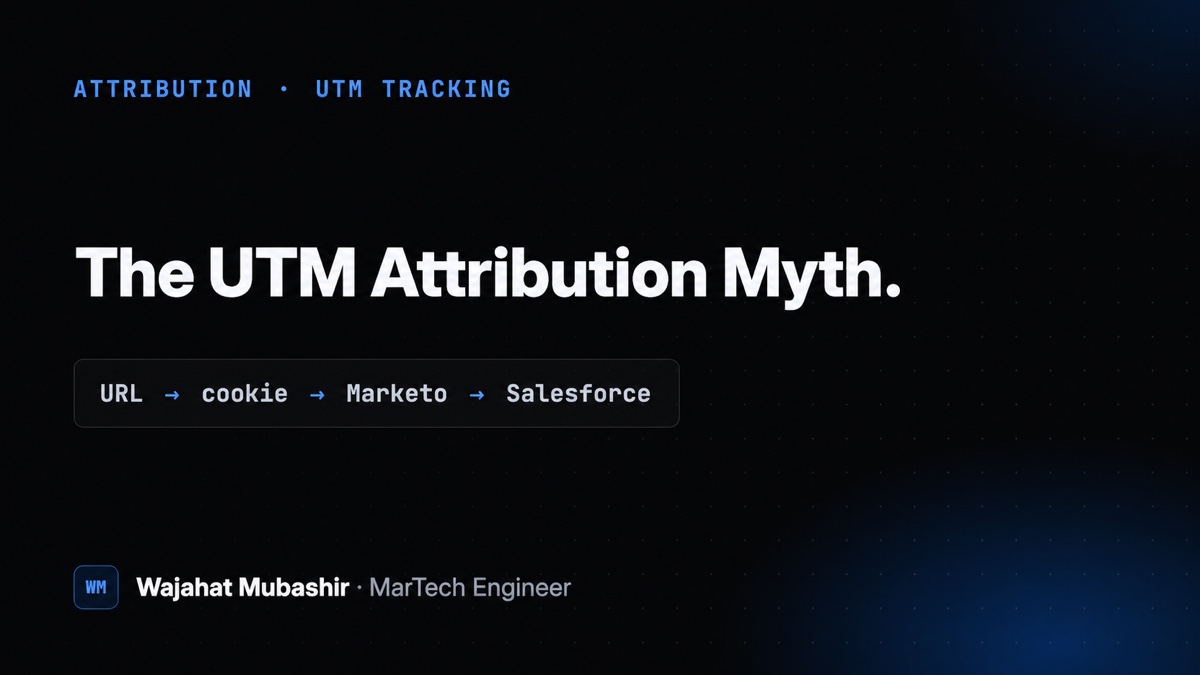
A teammate on the demand gen side pinged me this week with a reasonable worry. She had clicked a paid ad with UTM parameters, landed on the site, browsed to a couple of other pages, and watched the UTMs disappear from the address bar after the first click. The question was fair and a little alarming: if the UTMs are gone from the URL, are we losing attribution on every lead who doesn’t convert on the landing page?
Short answer: no. Not a single lead. But “the URL looks clean, so the data must be gone” is one of the most common and most expensive misreadings in marketing attribution, so it’s worth walking through exactly why it’s wrong and how to prove it live in about two minutes.
Why This Matters to RevOps and Demand Gen
If you believe attribution dies when the query string drops off the URL, you tend to “fix” it by forcing UTMs to persist across every internal link. That fix quietly creates three new problems: duplicate parameterized URLs that dilute SEO, self-referral noise that breaks channel reporting in GA4, and a maintenance burden on every link on the site. You would be paying real costs to solve a problem that doesn’t exist.
The deeper issue is trust. When a marketer sees a clean URL and assumes broken tracking, the next move is often a frantic escalation or a rebuild of something that already works. Knowing where attribution actually lives, and being able to demonstrate it, is the difference between a two-minute answer and a two-week fire drill.
The Root Cause: Query Strings Were Never Meant to Persist
Here’s the mechanic people miss. Query strings don’t carry across page navigation on any website by default. When you click an internal link to a clean URL, the browser loads that clean URL. The UTMs from the previous page aren’t attached, because nothing attaches them. This is normal browser behavior, not a bug and not a misconfiguration.
So if the URL doesn’t hold the UTMs, something else has to. That something is a cookie, and the handoff to the form and CRM is where the real attribution lives.
Testing It Live Instead of Guessing
Rather than reason about it in the abstract, I ran the actual path a visitor takes. I landed on the homepage with a representative query string:
https://example.com/?utm_source=bing&utm_medium=ppc&utm_campaign=nb_search_brandThen I clicked through two internal links to a clean /contact/ URL, exactly like a real visitor browsing before filling out a form. On that clean page, with no UTMs anywhere in the address bar, I checked two things: the cookies and the form’s hidden fields.
The cookies still held all three values. In the browser console:
document.cookie.split(';').filter(c => /utm_/.test(c)).join('\n')
// utm_source=bing
// utm_medium=ppc
// utm_campaign=nb_search_brand
And the Marketo form on the clean page had already populated its hidden fields from those cookies:
['UTM_Source__c','UTM_Medium__c','UTM_Campaign__c']
  .map(n => n + ' = ' + (document.querySelector('form.mktoForm input[name="'+n+'"]')||{}).value)
  .join('\n')
// UTM_Source__c = bing
// UTM_Medium__c = ppc
// UTM_Campaign__c = nb_search_brand
That’s the whole case in two console commands. The address bar is clean, and the lead’s source is fully intact and sitting in the form, ready to submit.
The Chain That Actually Carries Attribution
Once you see the pieces, the flow is simple and durable. Here’s the end-to-end path from ad click to reporting.
1. Capture on landing. A GTM tag reads the UTM parameters off the URL when the visitor arrives and writes them to cookies scoped to the root domain (.example.com). Root-domain scope is what lets the values survive navigation across every subpage and subdomain in the session.
2. Fill the form. Every Marketo form carries hidden fields with Salesforce API names: UTM_Source__c, UTM_Medium__c, UTM_Campaign__c, and the rest. At render time, those hidden fields autofill from the cookie. This is native Marketo autofill (hidden field set to “Get value from: Cookie”), which is why they populated on a clean URL with no query string present.
3. Submit to Marketo. When the form submits, the hidden field values are written to the person’s Marketo record.
4. Sync to Salesforce. Because the form fields are already Salesforce API names, Marketo’s field mapping syncs each value to the matching custom field on the Lead or Contact on the next sync cycle. The lead lands in the CRM tagged with the correct source.
5. Report. From there, the values feed Marketo Measure and downstream reporting. Nothing in that chain ever reads the visible URL on the form page, which is exactly why a clean URL changes nothing.
Cookie to hidden field to Marketo to Salesforce to reporting. The URL is just the entry point, not the carrier.
The Bonus Find: A Dead Tag Writing to Nowhere
While I was in the container, I found something worth fixing. A JavaScript tag was calling form.setValues() to prefill UTMs, but it was writing to lowercase field names: utmsource, utmmedium, and campaign. The live form doesn’t have fields with those names. It uses the Salesforce-style UTM_Source__c names, which are filled by native autofill from the cookie.
So that JS tag is a no-op. It runs on form pages, does nothing useful, and has almost certainly been dead for a while, because the real prefill was happening through native autofill the entire time. Nobody noticed, because the fields were always populated, just not by the tag that looked responsible for it.
This is the quiet lesson inside the loud one. The moment you go verify where attribution actually lives, you often find code that everyone assumed was doing the job but wasn’t. That tag is now flagged for removal so we’re not maintaining logic that has no effect and could mislead the next person debugging the form.
The Recommendation: Don’t “Fix” What Isn’t Broken
My guidance to the team was to leave the URLs clean and not force UTMs to persist across internal links. The cookie already does the durable work, and forcing query strings everywhere would introduce duplicate URLs, self-referral noise in GA4 channel grouping, and a real SEO cost, all to duplicate something the cookie handles for free.
There’s exactly one scenario where you’d need UTMs to literally stay in the visible URL: a downstream tool that reads them straight off window.location on a later page rather than from a cookie or the form. That’s rare, and none of the core stack works that way. If someone can name a specific tool that needs it, that’s a targeted fix, not a site-wide policy.
The Reusable Checklist
If a teammate ever tells you attribution is “disappearing,” run this before you touch anything:
- Confirm the behavior is just the query string dropping on navigation. That’s expected on every site and is not evidence of data loss.
- Check the cookie on a clean URL. If the UTM cookie persists, attribution is being carried, full stop.
- Check the form’s hidden fields on a clean URL. If they’re populated, the lead will submit with the correct source.
- Trace the field names end to end. The form fields should match the Salesforce API names your CRM expects.
- While you’re there, audit the prefill code. If a tag writes to field names that don’t exist on the form, it’s dead code. Flag it.
The takeaway is small and it saves a lot of grief: “UTMs missing from the URL” is not the same as “attribution lost.” Attribution lives in the cookie and the hidden fields, not the address bar. Verify it live, and you turn a scary escalation into a screenshot.
Have you found dead prefill tags hiding in your own container while chasing a phantom attribution bug? I’d like to hear what you turned up. Connect with me and let’s compare notes.